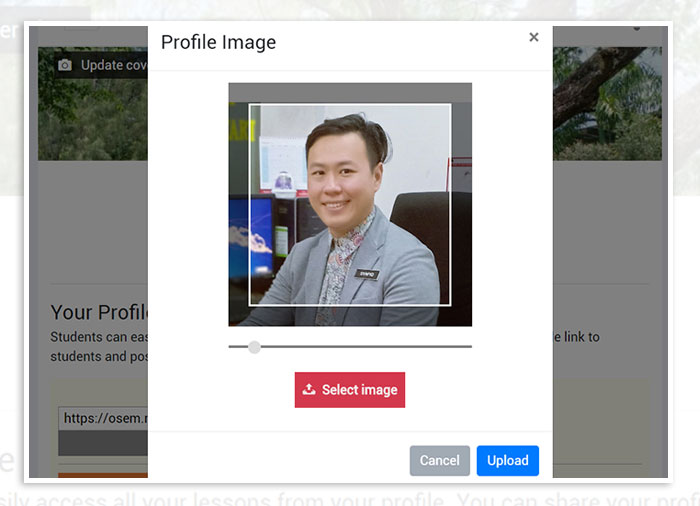
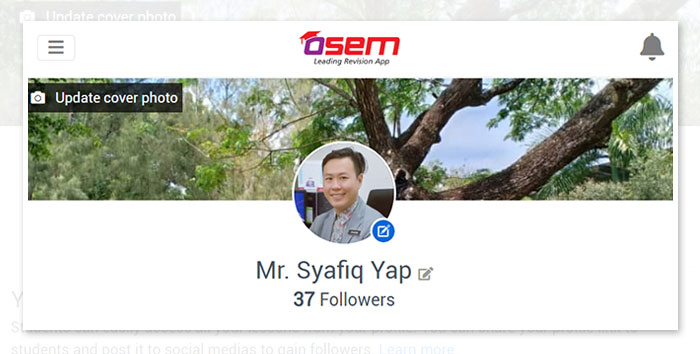
The first impression you give to your students matters the most. Your picture is a very important part of your Profile for a number of a reasons. When students find your lesson, they will be able to recognize you because of your photo. It also will help you gain more followers as the students know that you're a real teacher.
Here are a few things that you need to pay attention when uploading the best profile picture.
1. Self-picture
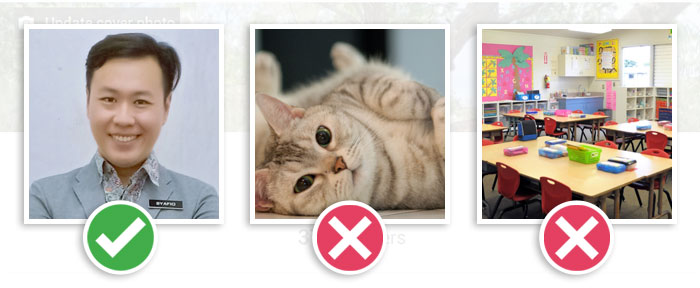
Your picture should be of you, and only you. Do not include objects, pets or children. By uploading your real picture also can gain trust from the students. The picture must be current picture, so students are not surprised when they meet you in person.
2. Pick a Head Shot
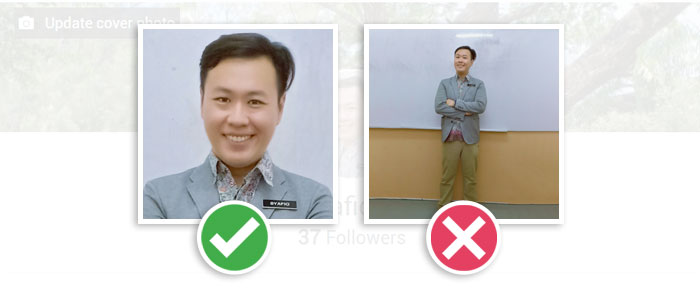
Your profile image will be appear as small thumbnails on Osem App, therefore your photo should only be of your head and possibly the top of your shoulders.
If you include your entire body, your head will appear too small and students may not be able to recognize you.
3. Dress Professionally
As an educator, the photo choosen will represent your professional career. You may dress a shirt for men, a dress or nice blouse for women, blazer, or a suit for either gender.

4. Take a selfie
You may take a web shot of yourself using your computer's camera or if you have a phone, you can take a selfie. The image you choose must look professional before you upload it.
5. Profile Picture Size
The standard profile picture size is 500 (w) x 500 (h) pixels. You can choose large picture and make an adjustment by resizing and reposition the picture before upload.