Acknowledge your students by sharing your lessons in class and through social media.
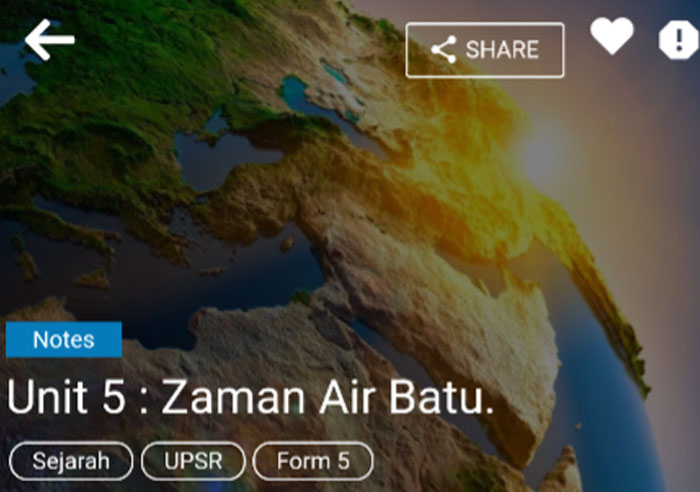
There’s a few ways for you to share your lesson.
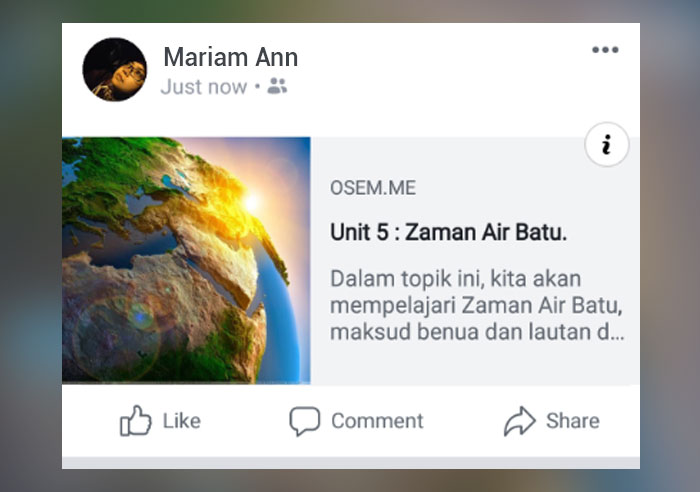
1. Share through Facebook
This is how your lesson appear when sharing through facebook.
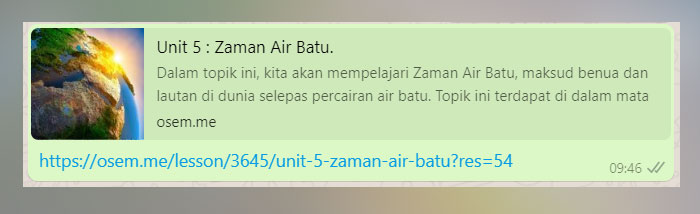
2. Share through Whatsapp
This is how your lesson appear when sharing through whatsapp.
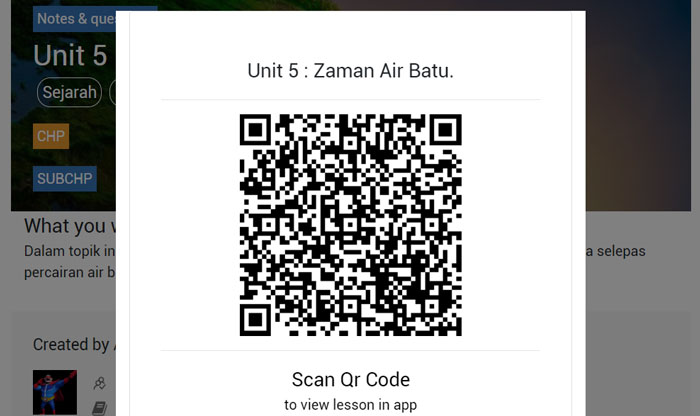
3. Share through QR Code
You can also ask your students to scan your lesson’s QR code in order for them to learn you lesson.
By using OSEM apps, scan the QR code and it will appear on the apps automatically.
4. Distribute handouts or Flyers
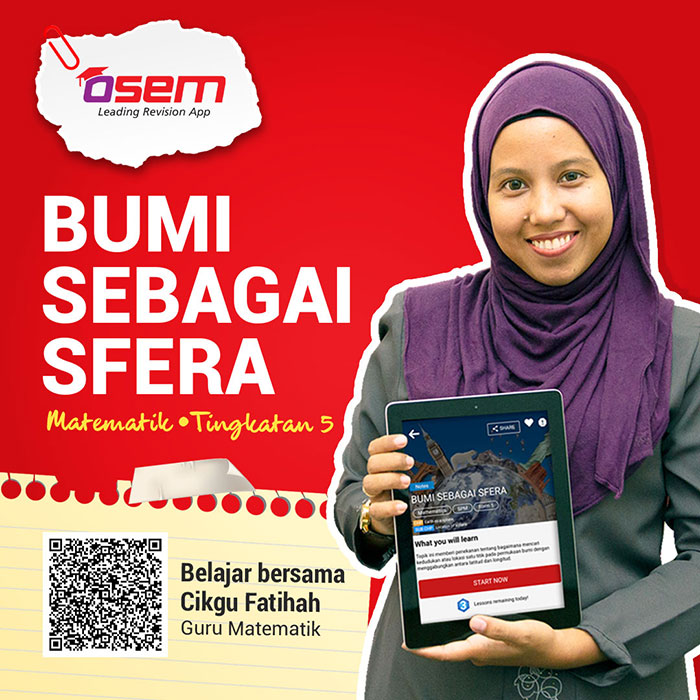
Students are not allowed to bring their phones to school. Thus, another way to share lesson is by preparing handouts or flyers for them to do revisions on related lesson that you’ve published.
Here are some examples for you to create your own handouts or flyers.
Is this helpful?
Yes
No
Send your feedback for "Easy Way to Share Your Lesson"
5 Ways to Motivate Your Students to Learn
1. Be extremely encouraging
Sometimes students can be lazy, discouraged and frustrated when they are having trouble learning. Your word as a teacher can inspire them to continue learning and most importantly, you can motivate and encourage by helping and show them that they can definitely do the work and be successful.
2. Keep on track with their progression
A successful students can’t be successful if they do not work for it, right? When the students learn using OSEM App, you as teachers can keep on track with their progression and you can help them on the things they least understand.
As they know you can help them in their studies, definitely, they’ll continue to learn and they can simply reach out to you if they have problems in the studies.
3. Help your students to be more organized
“I’ve lost my exercise books,” or “My cat has eaten my books yesterday,” As a teacher, you might have heard those kinds of excuses every time you ask your students where is their exercise book.
Now, you can take a breath of relief as you can just ask your students to do the homework in OSEM App. They can do it anytime, anywhere without losing their homework anywhere. Kids love their gadgets so much that they won’t even dare of losing it, aren’t they?
4. Make learning fun
To make the learning process more fun, you really don’t have to do complicated things constantly.
Create a beautiful lesson with full of colors and picture so that the students will never feel bored every time they learn cause let’s be honest, we as human are bound to attract to a colorful thing, right? Hence, be passionate about what you’re doing instead and let the passion shine through.
5. Be wise with your homework
More homework does not necessarily mean more learning. For that reason, when creating a lesson in OSEM App, the maximum page for the lesson are 15 pages.
Yup, that’s right! 15 pages full of compact, colorful, beautiful notes and questions. Hence, you can keep their excitement during learning without feeling too bored and also they can have their family time after that!
Is this helpful?
Yes
No
Send your feedback for "5 Ways to Motivate Your Students to Learn"
Suitable Profile Picture
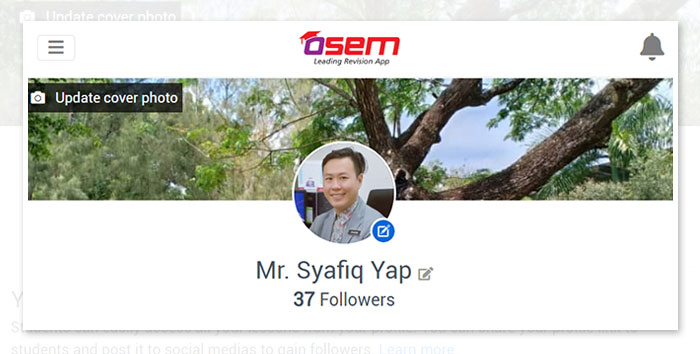
The first impression you give to your students matters the most. Your picture is a very important part of your Profile for a number of a reasons. When students find your lesson, they will be able to recognize you because of your photo. It also will help you gain more followers as the students know that you're a real teacher.
Here are a few things that you need to pay attention when uploading the best profile picture.
1. Self-picture
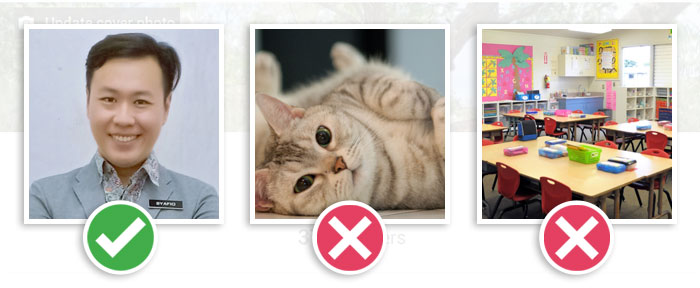
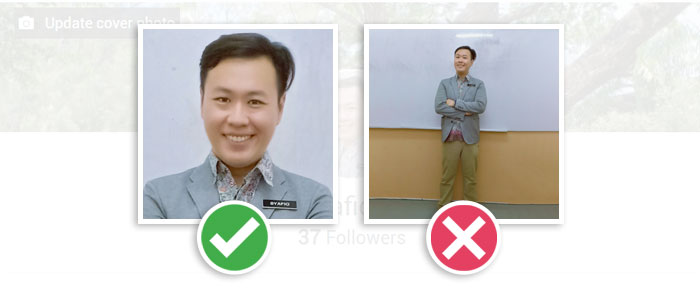
Your picture should be of you, and only you. Do not include objects, pets or children. By uploading your real picture also can gain trust from the students. The picture must be current picture, so students are not surprised when they meet you in person.
2. Pick a Head Shot
Your profile image will be appear as small thumbnails on Osem App, therefore your photo should only be of your head and possibly the top of your shoulders.
If you include your entire body, your head will appear too small and students may not be able to recognize you.
3. Dress Professionally
As an educator, the photo choosen will represent your professional career. You may dress a shirt for men, a dress or nice blouse for women, blazer, or a suit for either gender.
4. Take a selfie
You may take a web shot of yourself using your computer's camera or if you have a phone, you can take a selfie. The image you choose must look professional before you upload it.
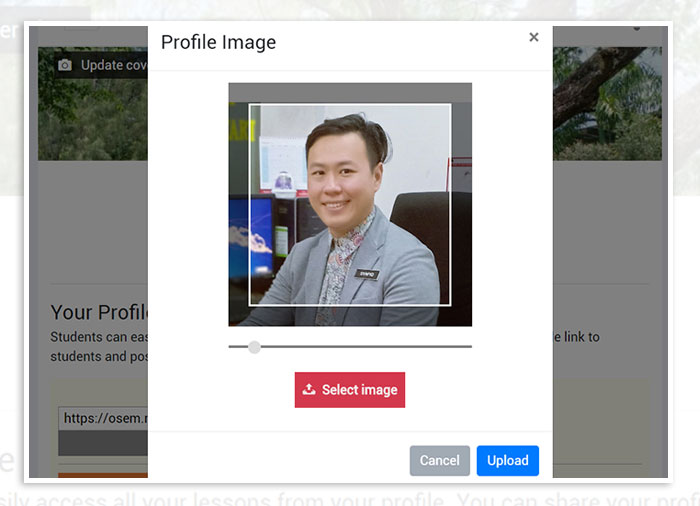
5. Profile Picture Size
The standard profile picture size is 500 (w) x 500 (h) pixels. You can choose large picture and make an adjustment by resizing and reposition the picture before upload.
As a conclusion, your profile picture is very important because it is one of the term and condition for you to receive your royalty and also for teacher refer teacher. Keep in mind that fake profile picture can be reported by students and you may have a risk to be flagged. Also, the students might unfollow you as well!
Is this helpful?
Yes
No
Send your feedback for "Suitable Profile Picture"
How to Increase Your Profile Visits
You must aim to increase your profile views by 10% every week among your students. There are many other ways to increase your profile visits such as;
Actively publish a new lesson.
One of the easiest ways to increase your profile views is to increase the activity levels. Your new lesson will be available as a featured lesson in Osem App with label new. This will encourage students to start learning your lessons and following your profile.
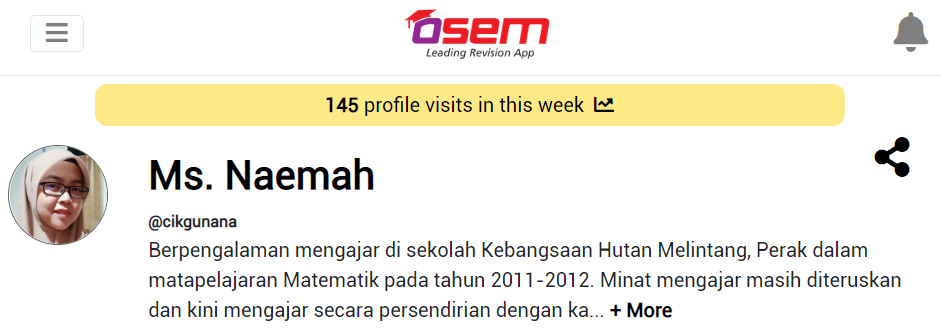
Use a profile picture that capture attention.
Make sure you give the best description on your teaching experience. It will attract student interest to learn your lesson
Is this helpful?
Yes
No
Send your feedback for "How to Increase Your Profile Visits"