
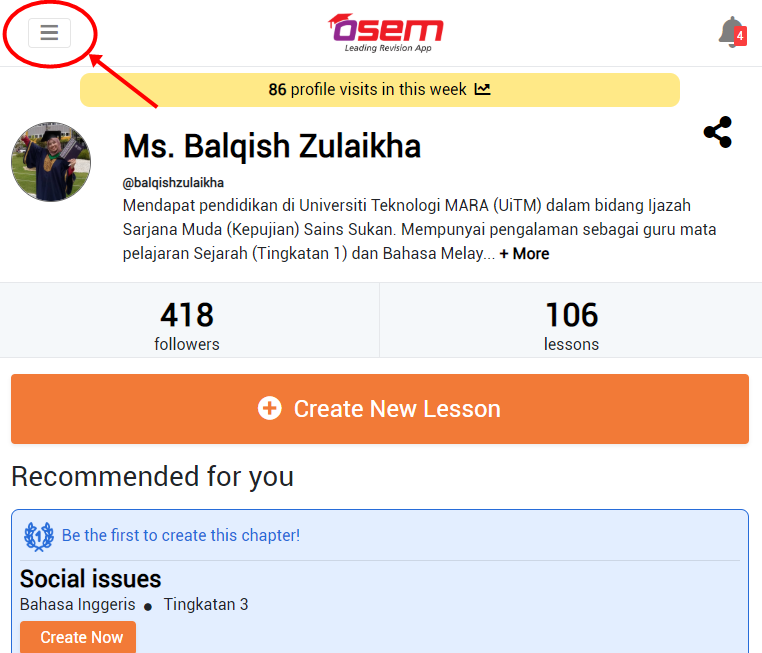
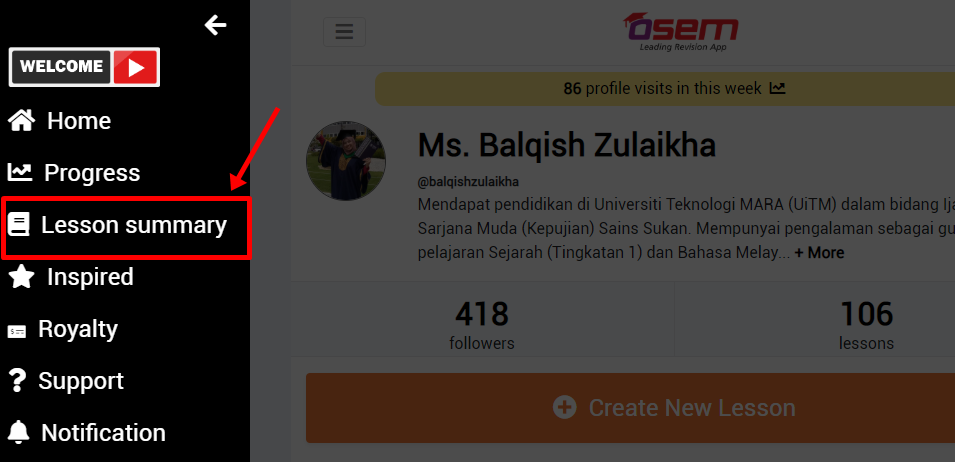
On the left side of your teacher main page, click on the burger menu and then click on the lesson summary menu.
By All Subject
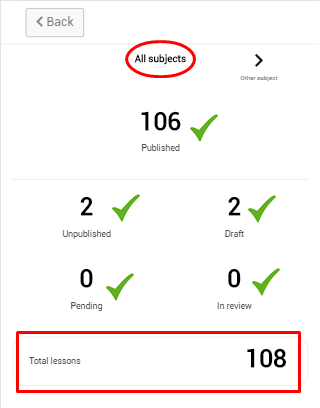
You can view your :
- Total lesson
- Total published lesson
- Total unpublished lesson
- Total draft
- Total lesson in review
- Total pending (if the teacher has been flagged)
By Specific Subject
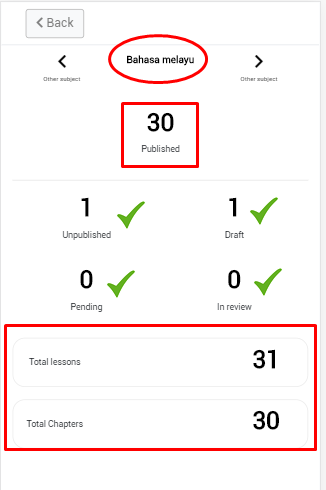
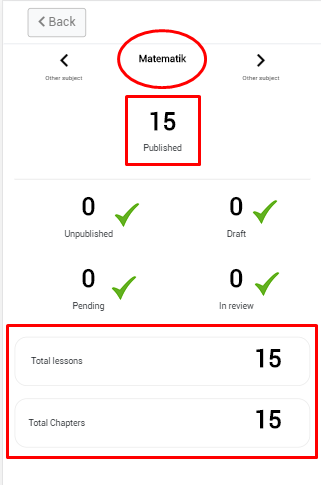
You can keep on track your :
- Total lesson
- Total chapter that has been done
- Total published lesson
- Total unpublished lesson
- Total draft
- Total lesson in review
- Total pending (if the teacher has been flagged)