
Simply go to this link : https://osem.me/teacher
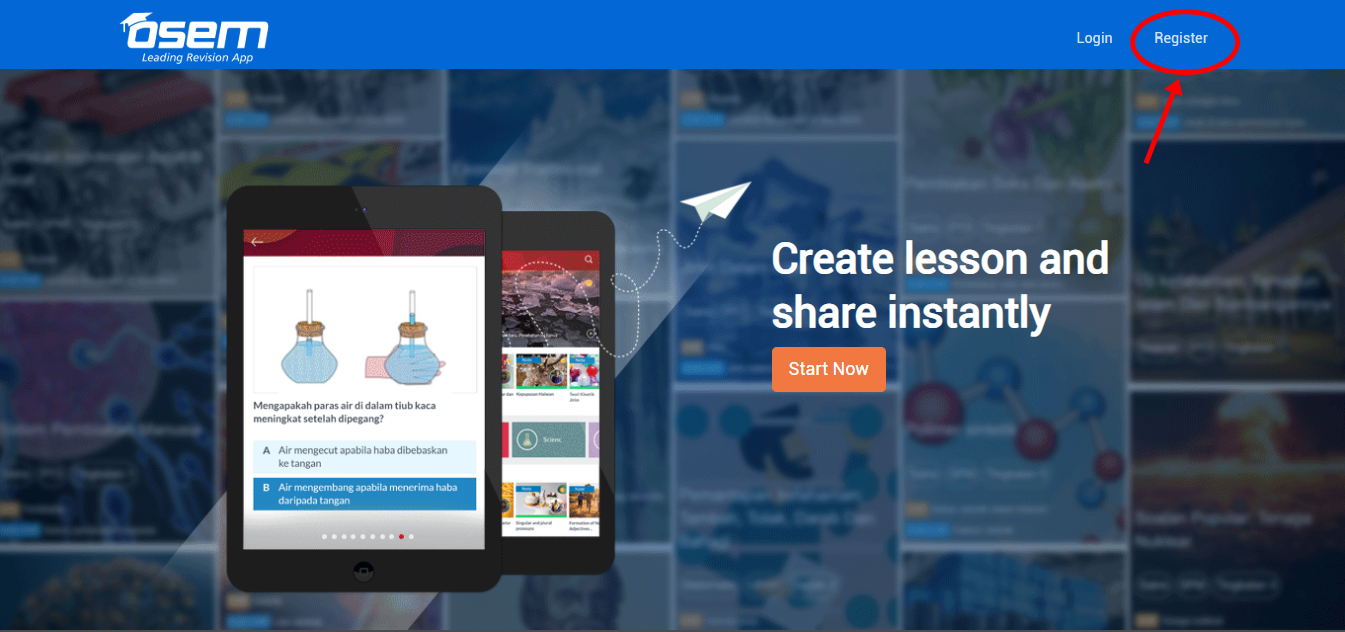
Click the register button on the right side of the page.
You can sign up to Osem Teacher either using your Email or Facebook account.
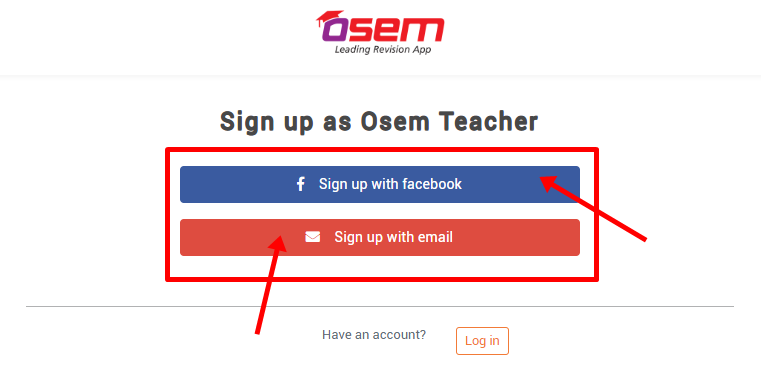
Note : Already have OSEM teacher’s account? Don’t worry, you can simply login with you registered email or facebook.
Complete all the details needed such as title, full name and also your email address before clicking the sign up button.
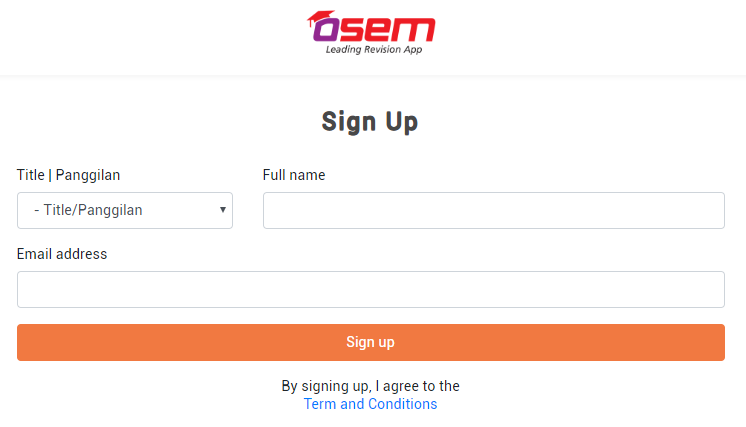
Note : Be sure to read the terms and conditions before signing up with us!
Create new password for your OSEM teacher account
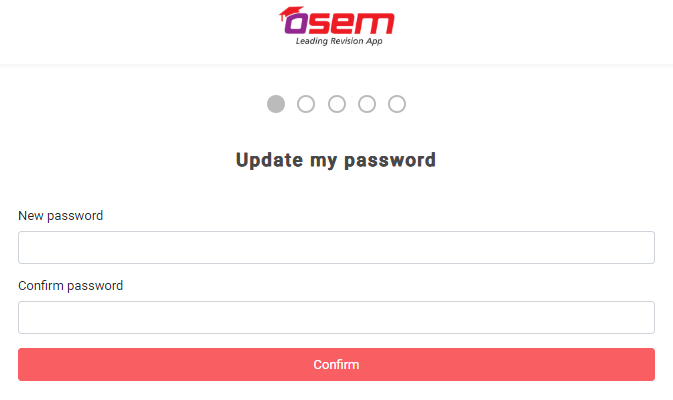
You can create a password that is very easy for you to remember.
🤫 Shhh, it’s a secret but you can just use your email or facebook’s password if you’re not considering on creating a new password.
Phone Number
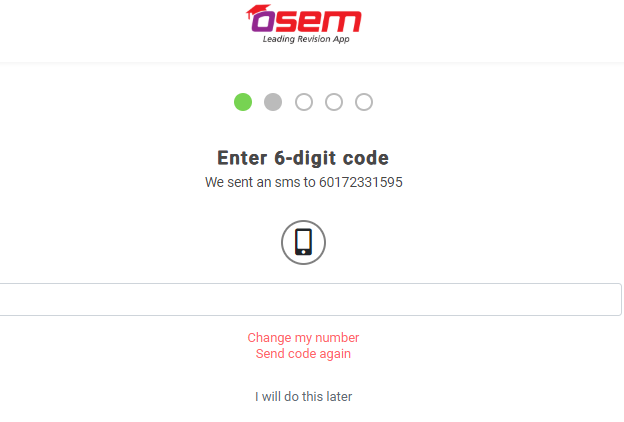
Enter your phone number and the 6 digit code that will be sent to you by SMS. This will help you in case you forget your password and want to recover it. Also, it’ll be easier for us to keep you updated for any information from time to time.
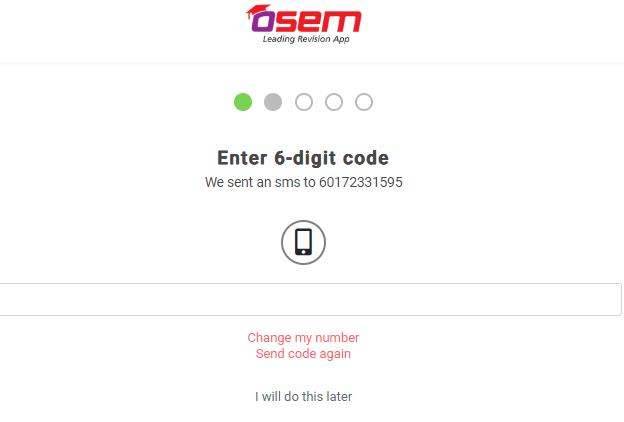
 We will also update to you by SMS if you’re entitled to receive royalty!
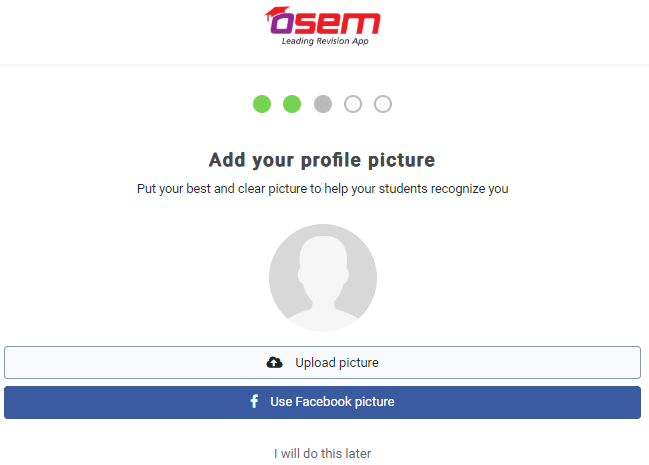
Profile Picture
You are encouraged to put your own picture so that your students will recognized you instantly.
Profile Description
Attract the students by telling them your experiences in education. You may also write your education background, subject expert or anything that will help you gain more followers.
School Name
Why school name you may ask? It is because by adding your school name (the school that you are currently teaching), it will help students to find your profile instantly.
Also, the students that are from the same school as yours will be recommended to follow you.
Awesome! You’ve successfully create an account as OSEM teacher. 👏🏻👏🏻👏🏻
It’s easy right? Now, you can start to create a supercalifragilistic lesson your students.
Is this helpful?